




- Email[email protected]
- Phone+962 797 166 177
- Birthday1982-09-25
- LocationAmman, Jordan
The Bulletproof Local Backup: Syncing Home Assistant to Nextcloud
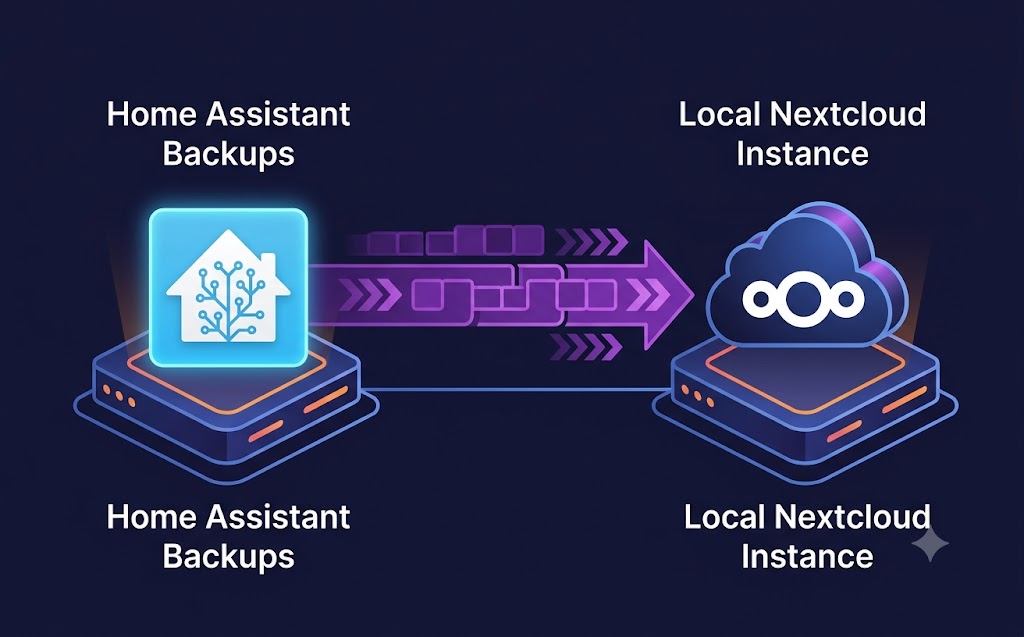
G'day mates! Welcome back to the lab. If you have been building out your smart home, you know the sheer amount of hard yakka that goes into tweaking your YAML files and automations.
-
The absolute worst-case scenario in any home lab is an SD card frying or a drive failing, taking months of configuration down with it.
-
Relying on Google Drive or Dropbox for backups defeats the purpose of a localized, privacy-first smart home.
-
Today, we are going to set up an automated, bulletproof backup system that packages your Home Assistant config and pushes it directly to a local Nextcloud instance.
Step 1: Preparing the Backup Script First up, we need a lightweight bash script to compress your configuration directory. SSH into your Home Assistant server and create the script:
Bash
nano /home/pi/scripts/ha_backup.sh
Paste in the following code to tar the directory and assign a timestamp:
Bash
#!/bin/bash
BACKUP_NAME="ha_backup_$(date +%F).tar.gz"
tar -czf /tmp/$BACKUP_NAME /home/homeassistant_data/config
echo "Backup $BACKUP_NAME created locally."
Step 2: Pushing to Nextcloud via WebDAV Nextcloud has a brilliant built-in WebDAV interface. We can use curl to securely push our fresh archive straight to our personal cloud.
Append this to your script:
Bash
curl -u your_nextcloud_user:your_app_password -T /tmp/$BACKUP_NAME "https://nextcloud.yourdomain.com/remote.php/dav/files/your_nextcloud_user/Backups/$BACKUP_NAME"
rm /tmp/$BACKUP_NAME
Make it executable:
Bash
chmod +x /home/pi/scripts/ha_backup.sh
Step 3: Automate with Cron You don't want to run this manually! Open your crontab and set it to run every Sunday at 3:00 AM:
Bash
crontab -e
Bash
0 3 * * 0 /home/pi/scripts/ha_backup.sh > /dev/null 2>&1
And that is a wrap! Your smart home brain is now fully backed up to your own private cloud, completely bypassing big tech. Cheers!
"If you've got any questions or need a hand wrangling your own setup, don't hesitate to reach out at [email protected] or connect with me via www.yazan.me. I'm always keen to help out!"