




- Email[email protected]
- Phone+962 797 166 177
- Birthday1982-09-25
- LocationAmman, Jordan
The 12-Month Battery Life E-Ink Dashboard via ESP32
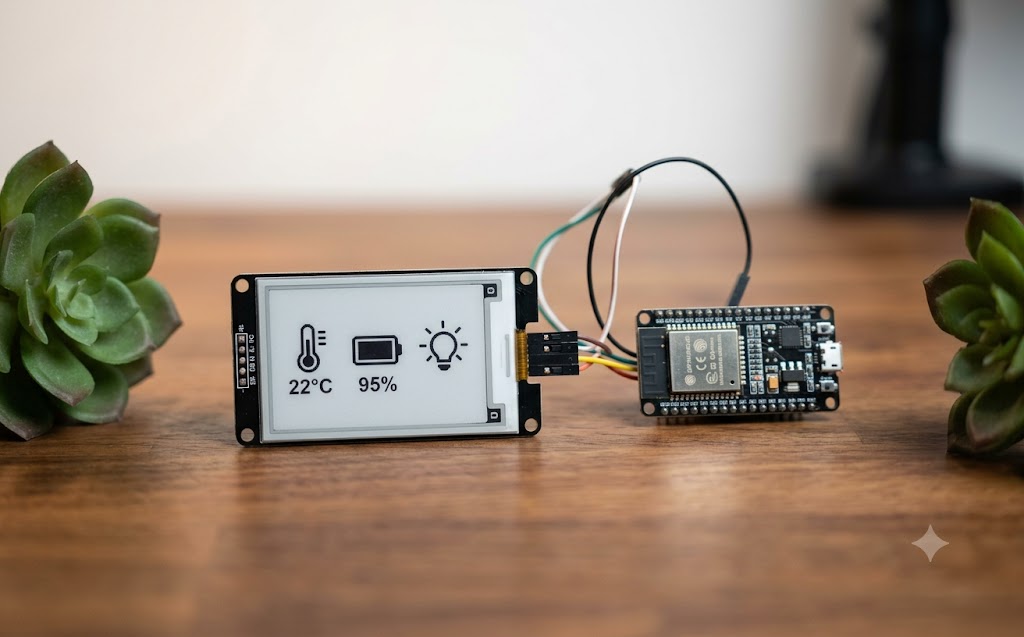
G'day mates! Having a massive, glowing tablet on the wall for Home Assistant is brilliant, but sometimes you just want a subtle, minimalist dashboard sitting on your workstation.
-
Traditional LCD screens chew through battery life and require constant USB power.
-
E-Ink displays only consume power when the screen is actually refreshing.
-
Today, we are wiring a Waveshare E-Ink display to an ESP32 to build a sleek desk dashboard that can run for up to a year on a single battery charge using ESPHome's deep sleep functions!
The Hardware Lineup
-
An ESP32 Dev Board (perfect for managing Wi-Fi and deep sleep).
-
A 7.5-inch Waveshare E-Ink Display.
-
A standard 18650 Lithium battery shield.
The ESPHome Configuration Fire up your ESPHome dashboard and create a new node. We are going to instruct the board to wake up, grab the latest sensor data from Home Assistant, draw it to the screen, and go straight back to sleep.
YAML
esphome:
name: eink-desk-dash
esp32:
board: esp32dev
# Configure the E-Ink Display
spi:
clk_pin: GPIO13
mosi_pin: GPIO14
display:
- platform: waveshare_epaper
cs_pin: GPIO15
dc_pin: GPIO27
busy_pin: GPIO25
reset_pin: GPIO26
model: 7.50inV2
update_interval: never # We will trigger this manually before sleep
lambda: |-
it.print(0, 0, id(my_font), "Server Temp: %S", id(server_temp).state.c_str());
# Deep Sleep Configuration
deep_sleep:
run_duration: 20s
sleep_duration: 15min
Flash that configuration directly to your board. Every 15 minutes, the ESP32 will wake up, refresh the gorgeous, paper-like display with your server vitals, and power down. It is the ultimate low-maintenance addition to your home lab!
"If you've got any questions or need a hand wrangling your own setup, don't hesitate to reach out at [email protected] or connect with me via www.yazan.me. I'm always keen to help out!"