




- Email[email protected]
- Phone+962 797 166 177
- Birthday1982-09-25
- LocationAmman, Jordan
Supercharging Your Terminal: Automating the Home Lab with the Antigravity CLI
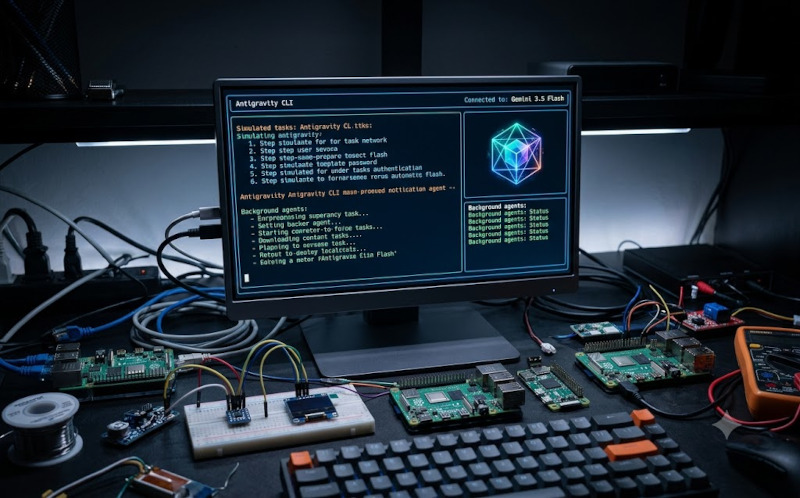
G'day mates! Welcome back to the lab. If you've been following along, you know we spend a massive amount of time SSH'd into headless Raspberry Pi boards and managing our Docker containers. Today, we are bringing some serious AI firepower directly into that workflow.
We are setting up the Antigravity CLI. It is a lightweight Terminal User Interface (TUI) that connects to Gemini 3.5 Flash (High) by default. But here is the brilliant part: unlike standard AI chat tools that just spit out text for you to copy, this absolute ripper autonomously executes real commands, edits files, and manages parallel background workflows.
It operates natively within your local workspace, making it incredibly fast and perfect for headless or remote SSH sessions on your Pi cluster. Plus, it shares the exact same core engine as the full Antigravity 2.0 desktop app, meaning all your settings, permissions, and sessions sync perfectly across both platforms. Let's crack into the terminal and get this sorted!
Step 1: Install and Set Up
Setting this up on your machine is an absolute breeze. Pick the command for your specific operating system:
macOS / Linux:
Bash
curl -fsSL https://antigravity.google/cli/install.sh | bash
Windows PowerShell:
PowerShell
irm https://antigravity.google/cli/install.ps1 | iex
Windows CMD:
DOS
curl -fsSL https://antigravity.google/cli/install.cmd -o install.cmd && install.cmd && del install.cmd
Once the installation finishes, simply fire it up from your project directory:
Bash
agy
Step 2: Authentication & Workspace Authorization
The moment you launch the CLI, it will immediately prompt you to authenticate via a Google account or a GCP project. It will open a browser for login, give you a secure code to paste back into the terminal, and then ask you to select a color theme (because aesthetic is everything in the lab).
Crucial Security Step: The most important part of the setup is authorizing the workspace. You must explicitly confirm that you trust the current folder before the agent is allowed to read, edit, or execute any files. This keeps your home lab infrastructure perfectly secure.
The Cheat Sheet: Key Commands to Know
The Antigravity tool is heavily driven by keyboard shortcuts and slash commands. Here are the big ones you will use daily:
|
Command |
Function |
|
/goal |
The primary way to give the agent a complex, multi-step task (e.g., "analyze this MQTT dataset and build an HTML dashboard"). |
|
/agents |
Opens a monitoring panel to check the status of your parallel subagents working in the background. |
|
/config |
Lets you adjust tool permissions. For example, you can change the default request-review mode (where it asks permission before running scripts) to always-proceed if you're feeling adventurous. |
|
/help |
Opens the main help menu with tabs for general info, commands, and shortcuts. |
|
/logout |
Clears your saved credentials securely. |
Pro-Tips for the Workflow
If you are overseeing digital product life cycles or just trying to get your custom ESP32 nodes talking to Home Assistant, this tool is a massive time saver.
-
Parallel Subagents: The CLI's parallel subagents are brilliant for scaffolding new web projects, tracking down frontend bugs, or running testing suites directly alongside your standard build tools. Overseeing your deployments becomes significantly faster when you can delegate the boilerplate code to background agents.
-
Seamless GUI Handoff: If a local task gets a bit too visually complex for the shell, you can export the active terminal session straight into the Antigravity 2.0 GUI to continue orchestrating your workflows.
Have a go at deploying it on your primary jump server and let me know how it changes your workflow. Cheers!
"If you've got any questions or need a hand wrangling your own setup, don't hesitate to reach out at [email protected] or connect with me via www.yazan.me. I'm always keen to help out!"