




- Email[email protected]
- Phone+962 797 166 177
- Birthday1982-09-25
- LocationAmman, Jordan
Going Markdown-First Converting My Entire Work Vault for Claude, Antigravity, and Obsidian
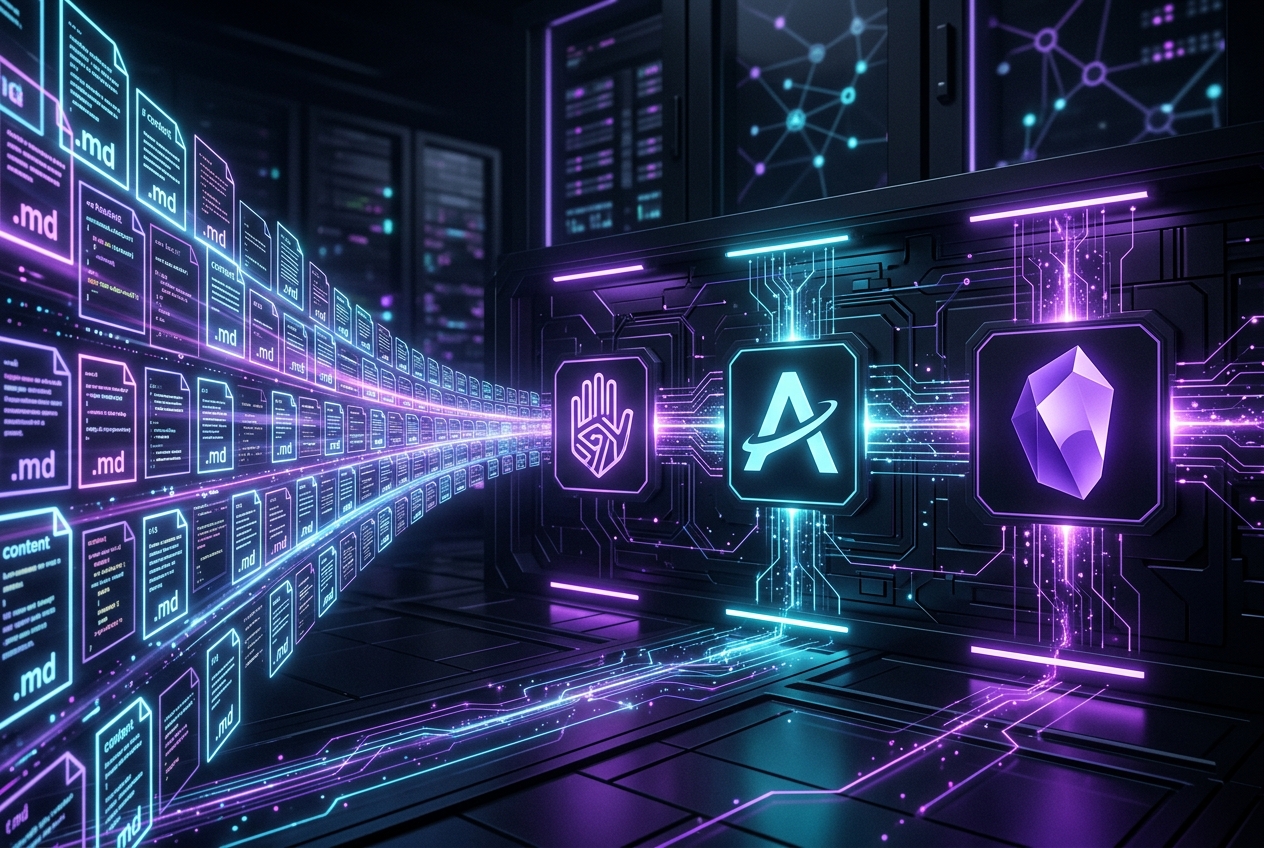
G'day mates! Welcome back. Today we're diving into a topic that has completely transformed how I handle documentation, research, and coding at work. Over years of working on different projects, our files accumulate in a messy graveyard of formats: Word documents (.docx), PDFs, plain text files, and PNG screenshots of error messages or flowcharts.
While rich text is fine for occasional human reading, it’s a massive bottleneck for modern developer workflows. As AI tools like Claude Code and Antigravity become core to our daily setups, and as local knowledge bases like Obsidian grow, binary files start feeling like a heavy tax. Today, I'm walking you through why I made the leap to convert my entire work vault to 100% Markdown (.md), and how it supercharged my workflow.
The Triad: Claude Code, Antigravity, and Obsidian
Why Markdown? The answer comes down to three main tools that form the core of my daily development stack.
First up is Obsidian. If you haven't used it, Obsidian is a local-first, privacy-respecting personal knowledge base that runs entirely on local Markdown files. It uses simple syntax to link documents together (using wiki-style [[wikilinks]]), allowing you to build a dense, searchable web of knowledge. It is incredibly fast, offline, and doesn't lock you into a proprietary cloud database.
Second, we have AI coding assistants. When pair programming with tools like Claude Code or the Antigravity CLI, their ability to help you is directly limited by how easily they can read your project context. Asking an LLM to parse a binary .docx file means paying a token tax for XML wrappers, formatting metadata, and layout definitions. Markdown, on the other hand, is clean, concise, and represents structure (headers, lists, tables) using plain text characters that LLMs parse with near-perfect accuracy and minimal token usage.
By converting all my work documents, manuals, and API guides to Markdown, I can simply open a terminal in my documentation folder and run tools like grep or point Antigravity directly at my notes to pull instant, accurate summaries of project requirements or server configs.
The Conversion Pain Points
Making the decision to go markdown-first is the easy part. The hard part is actually doing it. If you have hundreds of documents nested inside deep directory trees, opening each one in Word, copying the text, pasting it into a text editor, and manually fixing the headers, tables, and lists is a recipe for manual labor madness.
We also have the issue of screenshots. When debugging or setting up servers, we often take screenshots of logs, command outputs, or network diagrams. If those images contain crucial error messages or server keys, they sit there as unsearchable dead pixels.
To make the transition viable, I needed a way to automate this entire conversion process—parsing Word docs, scanning PDFs, running OCR on image files, and rebuilding them as structured Markdown documents recursively.
Looking Forward
Converting to a Markdown-first workflow has completely eliminated the friction of managing docs. I now have a single, unified, text-based source of truth that I can search in milliseconds using standard CLI tools, link together in Obsidian, and feed to Antigravity CLI for on-the-fly debugging.
In my next post, I’ll show you exactly how I built a custom python-based CLI tool (and a reusable Antigravity skill) to scan my directories, run OCR on screenshots, and sync the resulting markdown notes straight onto our company's corporate SharePoint pages using the REST API.
And that's a wrap! Are you still using Word docs for internal notes, or have you made the transition to Markdown? Let me know in the comments. Cheers!
"If you've got any questions or need a hand wrangling your own setup, don't hesitate to reach out at [email protected] or connect with me via www.yazan.me. I'm always keen to help out!"