




- Email[email protected]
- Phone+962 797 166 177
- Birthday1982-09-25
- LocationAmman, Jordan
Frigate on Steroids: A Performance Deep Dive with Google Coral
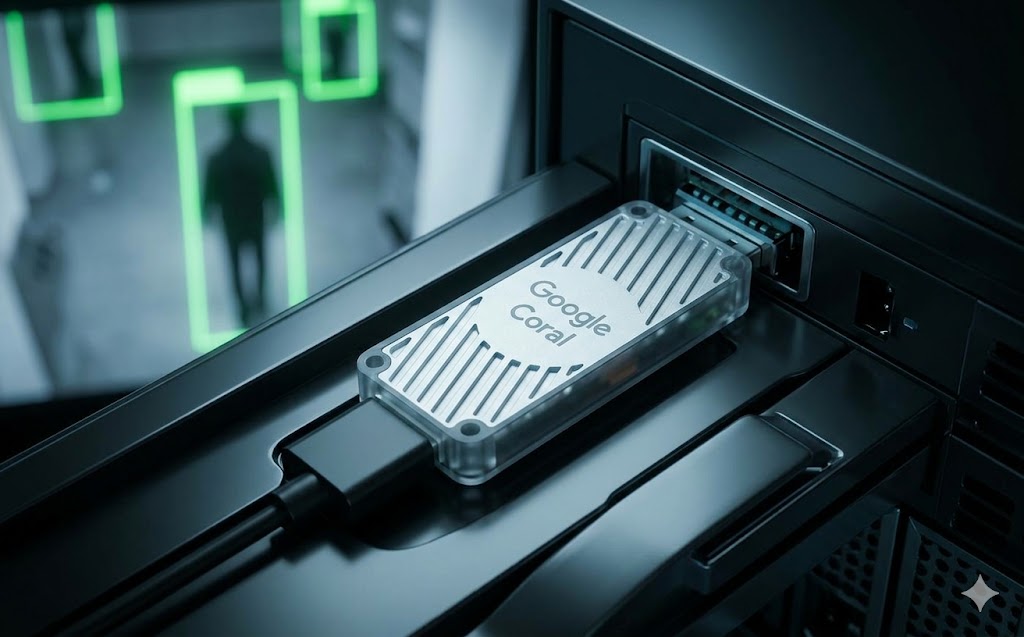
Welcome back! A while ago, we set up Frigate NVR to act as our local AI security and presence detection system. It's a bloody brilliant platform, but if you start throwing multiple 4K RTSP streams at it, your server's CPU is going to hit the roof.
To keep your server running cool and fast, we need dedicated hardware acceleration. Today, we are putting Frigate on steroids by installing a Google Coral TPU (Tensor Processing Unit).
-
The Google Coral is specifically engineered to handle AI object detection at lightning speeds.
-
It takes the inference load entirely off your CPU, dropping processing times from 100+ milliseconds down to just 10 milliseconds per frame!
Updating the Frigate Config Once you plug your USB Google Coral into your server, pass the USB device through your Docker compose file, and update your frigate.yml to tell the system to use the TPU instead of the CPU.
YAML
detectors:
coral:
type: edgetpu
device: usb
ffmpeg:
hwaccel_args: preset-vaapi
cameras:
lr_cam:
ffmpeg:
inputs:
- path: rtsp://127.0.0.1:8554/tapo_lr_main
roles:
- detect
- record
detect:
width: 1280
height: 720
fps: 5
Restart your container, and watch your CPU usage plummet. You now have an enterprise-grade, hyper-accurate NVR processing high-res streams locally without breaking a sweat. Cheers!
"If you've got any questions or need a hand wrangling your own setup, don't hesitate to reach out at [email protected] or connect with me via www.yazan.me. I'm always keen to help out!"