




- Email[email protected]
- Phone+962 797 166 177
- Birthday1982-09-25
- LocationAmman, Jordan
Ditching the Cloud Vault Self-Hosting: Vaultwarden for Ultimate Zero-Trust Password Management
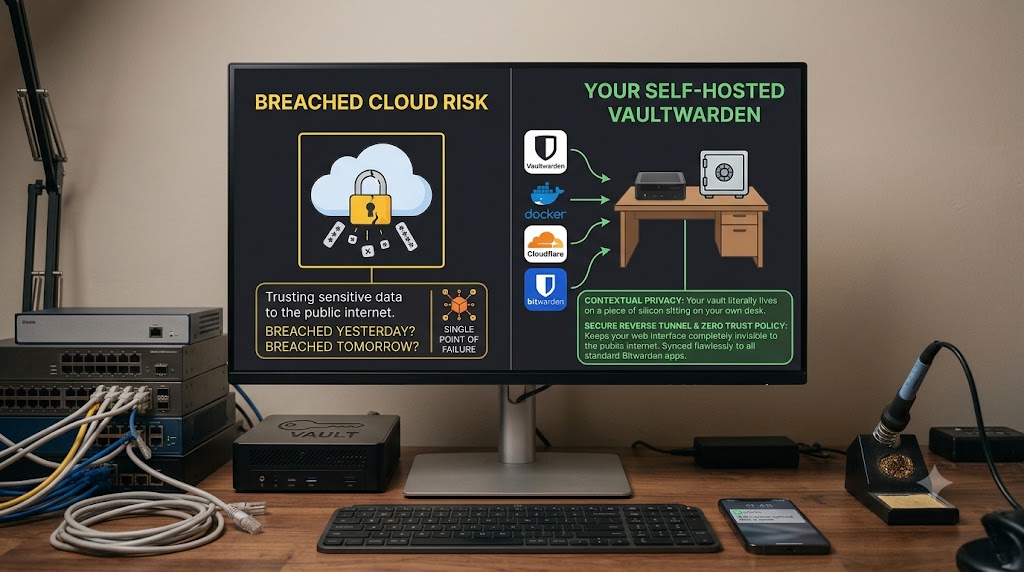
The Hook We’ve already given massive cloud drives the boot and cancelled streaming subscriptions for self-hosted media. But if you are still trusting your most sensitive credentials to a cloud-based password manager that could be breached tomorrow, it’s time to bring your vault home.
The Tech Stack
-
Docker
-
Vaultwarden (a lightweight Bitwarden-compatible server)
-
Cloudflare Tunnels (or your preferred secure reverse proxy)
Enter Vaultwarden
-
Relying on massive cloud password managers is a massive risk.
-
Hosting your own vault is the ultimate power move for a privacy-first lifestyle.
-
We use the incredibly lightweight, Rust-based Vaultwarden image instead of the heavy official server, making it an absolute dream to run on any low-power board or existing hypervisor.
The Docker Compose
-
A clean, easy-to-read YAML configuration to spin up the container and link it to a persistent data volume.
YAML
services:
vaultwarden:
container_name: vaultwarden
image: vaultwarden/server:latest
restart: unless-stopped
environment:
- WEBSOCKET_ENABLED=true
volumes:
- ./vw-data:/data
ports:
- 80:80
Locking the Front Door
-
Seamlessly route the Vaultwarden web interface through a secure tunnel.
-
Slap an enterprise-grade Zero Trust email-OTP policy in front of the web vault so it remains completely invisible to the public internet.
-
The beauty is that it still syncs flawlessly to the standard Bitwarden apps on your phone and laptop!
The Verdict
-
The peace of mind that comes with knowing your passwords literally live on a piece of silicon sitting on your own desk is unmatched.
-
Wrapped in end-to-end encryption, it’s a brilliant, zero-cost way to take absolute control of your digital identity.
"If you've got any questions or need a hand wrangling your own setup, don't hesitate to reach out at [email protected] or connect with me via www.yazan.me. I'm always keen to help out!"