




- Email[email protected]
- Phone+962 797 166 177
- Birthday1982-09-25
- LocationAmman, Jordan
Conversational Smart Home: Supercharging Voice Assistants with Local LLMs
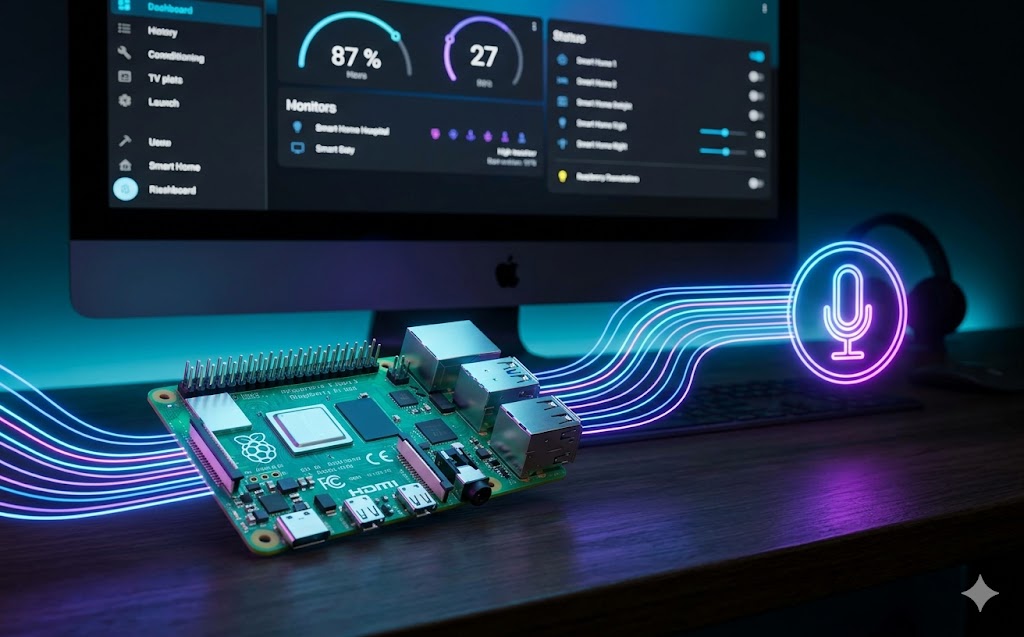
G'day mates! Welcome back. If you are fair dinkum about privacy, you already know the golden rule of the home lab: keep it local. We've previously built out some cracking local voice assistants using Raspberry Pis and the Wyoming protocol, but today we are giving those assistants a massive brain upgrade.
We are ditching standard, robotic responses and integrating local Large Language Models (LLMs) directly into our smart home ecosystem.
-
By leveraging containers like ollama, open-webui, and anythingllm, we can run incredibly smart, context-aware AI right on our own hardware.
-
This means your voice assistant won't just turn on the lights; it will understand natural, conversational commands without ever sending a single byte of your data to the cloud.
Let's crack into the terminal and get our LLM network spun up!
Step 1: Spinning up Ollama First up, we need the engine that runs the models. Ollama is an absolute beast for this. We will run it in a Docker container to keep our host system squeaky clean.
Bash
docker run -d -v ollama:/root/.ollama -p 11434:11434 --name ollama ollama/ollama
Step 2: Pulling a Model Once the container is humming along, we need to download a lightweight model. Llama 3 or Mistral are bloody rippers for conversational tasks.
Bash
docker exec -it ollama ollama run llama3
Step 3: Connecting to Home Assistant Now that your local AI is awake, you can point your Home Assistant conversation agent directly to your Ollama server's IP address (port 11434).
-
You can set custom system prompts telling the AI exactly what room it controls and what devices it has access to.
-
Enjoy the magic of a truly private, ridiculously smart home assistant!